
Reverse Engineer Apps
See inside any program: hashes, strings, headers and entropy
Pobierz Reverse Engineer Apps — za darmo
Aplikację można pobrać i zainstalować za darmo. Poniżej sprawdzisz, co obejmuje jednorazowe odblokowanie.
Wkrótce — pliki do pobrania pojawią się tutaj po premierze aplikacji.
Odblokuj Reverse Engineer Apps
Reverse Engineer Apps is free to try for 3 days on Windows, Linux and macOS. This one-time purchase unlocks it permanently with a license key, activated in the app on up to 2 of your devices.
$4.25 CAD jednorazowo, do 2 urządzeń
Po zakupie otrzymasz e-mailem klucz licencyjny. Wpisz go w aplikacji, aby aktywować ją na maksymalnie 2 swoich urządzeniach.
Opis
Funkcje
File format identification
See what kind of file you have, even when the name says otherwise.
Metadata inspection
Read a file's size, type and other details at a glance.
SHA-256 hashing
Get a file's fingerprint to verify it or compare it with another.
Hex header view
Look at the raw bytes at the start of any file.
Strings extraction
Pull out readable text with the offset where each string was found.
Entropy analysis
Measure how random a file's bytes are, to help spot packed or encrypted data.
JSON report export
Save your results as a report you can keep or share.
Local and private
Works offline. Files are never run or uploaded without your say-so.
Do czego służy
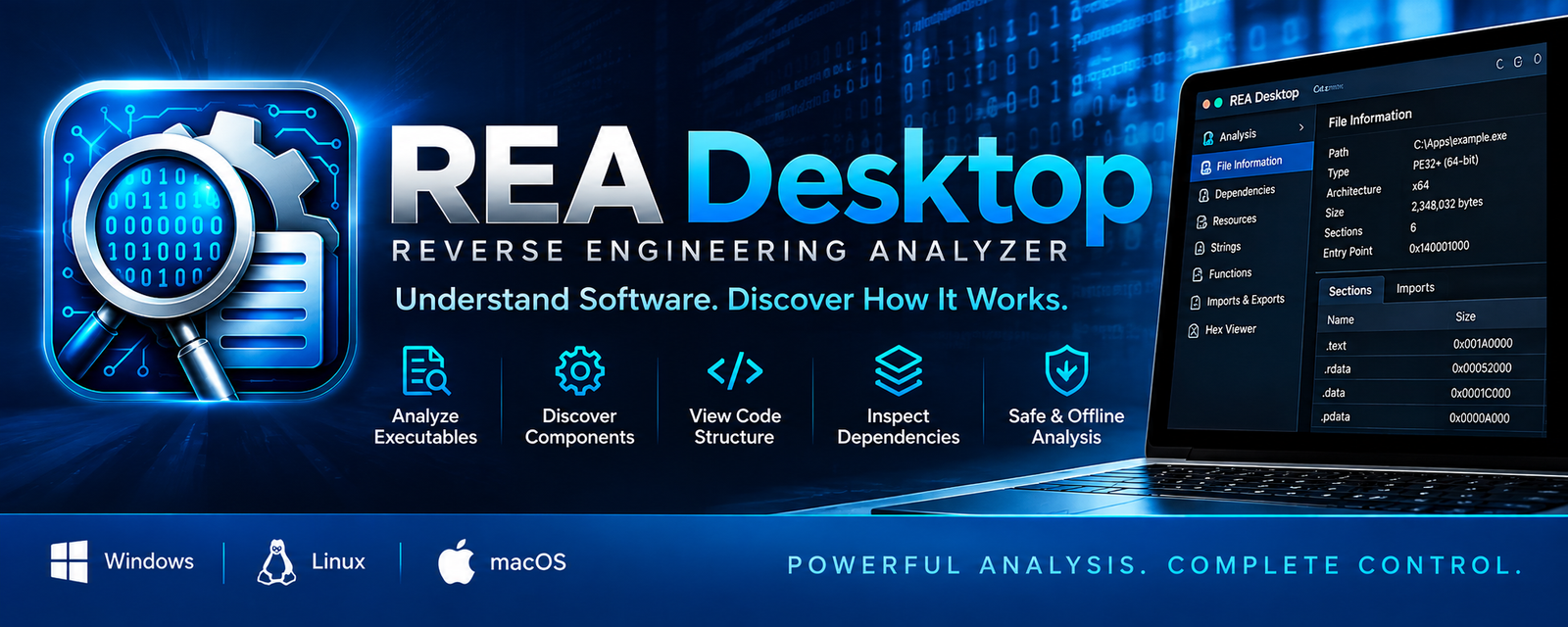
A desktop tool for inspecting files and software. Identify file formats, read metadata, compute SHA-256 hashes, view hex headers, extract strings and measure entropy. Runs locally on Windows, Linux and macOS.
Wymagania
A 64-bit desktop computer running Windows, Linux or macOS. No internet connection is needed to inspect files; a connection is needed once to activate a license.
Prywatność
Pomoc
For questions about Reverse Engineer Apps, use the Contact page and select this app, or email admin@niagaraindieapps.com. For license questions, include your Device ID from the app.
Uzyskaj pomoc